



Writer: Helena Bergström
How do we use the internet while travelling? Surfing has become much easier now that roaming is 'free' in many countries, but there are still a number of aspects to consider. We use four different ways to connect when travelling, and we'll tell you about them here.
 Tweet
Tweet Share
Share Share
Share Pin
Pin Share
Share Share
ShareTable of contents
Internet while travelling
We remember our internet woes when we travelled around Europe for 365 days in 2015. Roaming wasn't free then, and the internet was a big challenge. For us, as bloggers, the internet was one of our biggest expenses.
Today it has become significantly easier with the internet while travelling, but that doesn't mean there aren't challenges and choices. We travel a lot, and we use the internet a lot. Here are the four ways we use to stay connected.

1. Internet subscription from home
- Advantage: Easy to use the internet on your mobile phone as usual (via roaming) without any extra effort.
- Restriction: Only available in the EU/EEA and some other countries with which the operator has an agreement. There is a data limit, which is based on your subscription, and if you exceed it you will have to pay extra.
- To think about: Do not use your own internet subscription in international waters, as it can be extremely expensive.
Many times we use our internet subscription from home when travelling. Free roaming means that you can use your home subscription in many different countries, especially within the EU/EEA, at no extra cost. To be sure in which countries you have free roaming, contact the company where you have your internet subscription.
The 'free' roaming means you can surf at no extra cost while travelling (in some countries) but Please note that there is a data limit. As long as you are travelling on a short holiday, you probably won't notice the limit, but if you are abroad for a long time and use a lot of internet (for example, if you stream movies), you will notice that sooner or later you will run out of internet that you can use freely within your subscription.
To use your subscription from home, you can bring your mobile phone (which you can also use as a router to share the internet with your computer) and/or your router (if you have a SIM card in it). If you take your router with you, you will need to check beforehand how it works abroad.

2. Router and sim card from Wifi.se
- Advantage: Very useful for those travelling for long periods in Europe and using a lot of internet. High-quality router, SIM card that activates when you want and support.
- Restriction: SIM cards are intended for Europe, not for the rest of the world.
- To think about: Order your router and/or SIM card before you set off on your journey.
We travel abroad for long periods and we use the internet a lot. We don't stream many films, but we do a lot of filming ourselves and we post our films on YouTube and the like. Our home subscription works well for a long time, but it is not enough and simply runs out before the end of the month.

Our solution is to use the internet via Wifi.se. Through this company you can buy very good sim cards that work throughout Europe, as well as high quality routers. We have used solutions via Wifi.se for several years and now use both sim cards and routers from them, which we are very happy with. The sim cards from Wifi.se can be activated whenever you want, and it is possible to buy more data when you want.
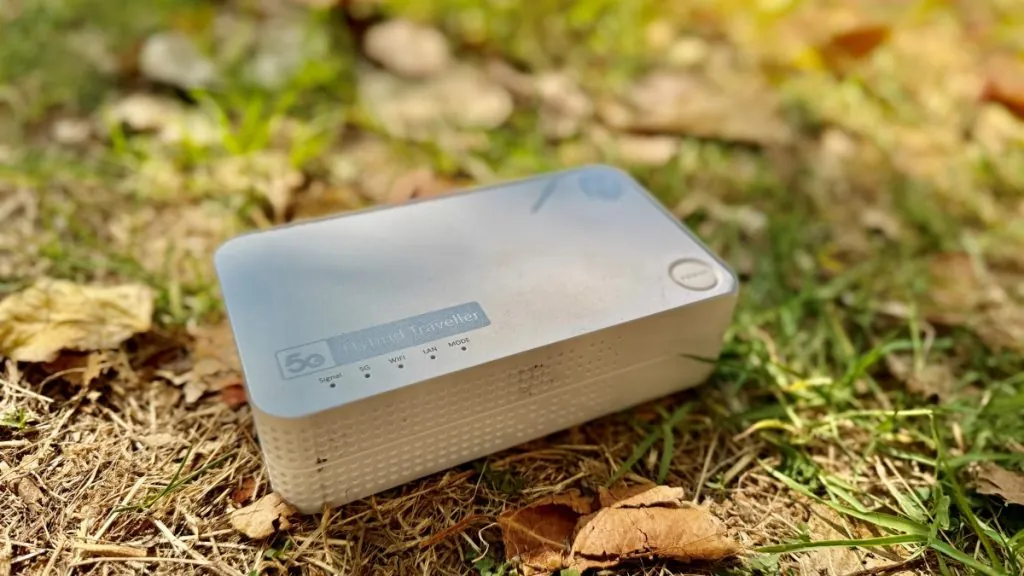
We use the router Hybrid Traveller, which is a portable 5G router with backup battery for over 6 hours. This is a very good router and you don't need a roof antenna or installation. You just insert a SIM card and press the button, and you're done! The router runs on 230V, 12V or USB.
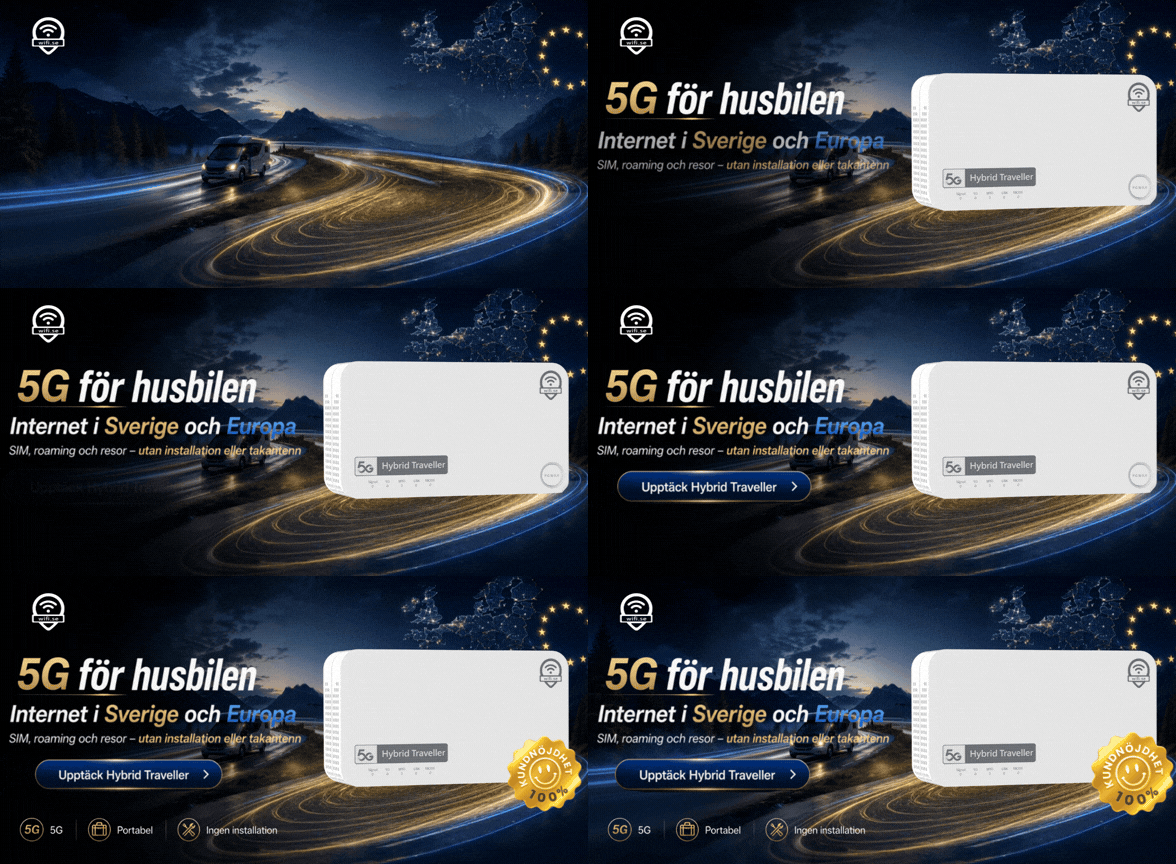
Another great thing is that Wifi.se offers support, in the form of phone support on weekdays and email support on weekends. This is a perfect solution for those travelling in a motorhome or caravan (as well as in a boat or summer cottage!), and who are on the move for a long time!
3. e-sim
- Advantage: Very useful for those visiting different countries around the world, even outside the EU/EEA. You don't need a physical SIM card, so you can keep your regular SIM card in your phone. Everything is downloaded quickly and easily via an app!
- Restriction: Primarily for mobile phone browsing. If you want to use your mobile phone as a router and share the internet with your computer, this possibility is sometimes limited. However, it is possible with BNESIM.
- To think about: You need to have internet access when you download the app and order data for any country.
E-sim is a digital "sim card" (i.e. not a physical card at all!) that you download to use the internet abroad. E-sim is particularly useful if you are travelling to countries outside the EU/EEA, where you cannot use your Swedish subscription (check with your operator!).
When we have travelled in countries that do not have agreements with Swedish operators, we have previously bought a physical local SIM card. This has usually worked well, but the disadvantage has been that we have had to pick out our own physical SIM card and that you often have to go to stores to top up.
We have thought about e-sim several times, but backed off because there are often limitations when it comes to sharing the internet from the phone to the computer. Men now we have found an e-sim where we can do this: BNESIM!

We have tested BNESIM in France and found it to be both very easy to use and to work very well. You simply download the app, install it by following the instructions and then choose your country (the country where you want to use the Internet!) and how much data you want to buy.
We are now partners with BNESIM and if you buy e-sim through us, you can get a 30% discount via our code, while we earn a small percentage on the purchase.
- Link to BNESIM website
- Link to BNESIM app
- Discount code 30 %: FREEDOM
4. local WiFi in hotels, campsites, ships, etc.
- Advantage: Convenient and often (but not always) free of charge for customers. On aeroplanes and cruise ships, it may be the only way to connect.
- Restriction: Local WiFi can work differently and have different ranges, sometimes it may stop working for periods of time or it may only work in a specific location, such as the reception area.
- To think about: There is a certain security risk when connecting to a public WiFi. For example, if the network is not encrypted, there is a risk of traffic being intercepted by other users.
Last but not least, we must mention the possibility of using local WiFi, which we also do from time to time. Many hotels, campsites, restaurants, airports and other operators offer their own WiFi, which is often (but not always) free of charge for customers. Sometimes you need to get a password, sometimes you need to log in with, for example, your name and room number, and sometimes the WiFi is completely open to use.

Please note that there is a certain security risk associated with public WiFi networks. If you want to be completely safe, you can surf via VPN. Another option is to simply avoid sensitive tasks (such as logging into your bank) when surfing on a public network.
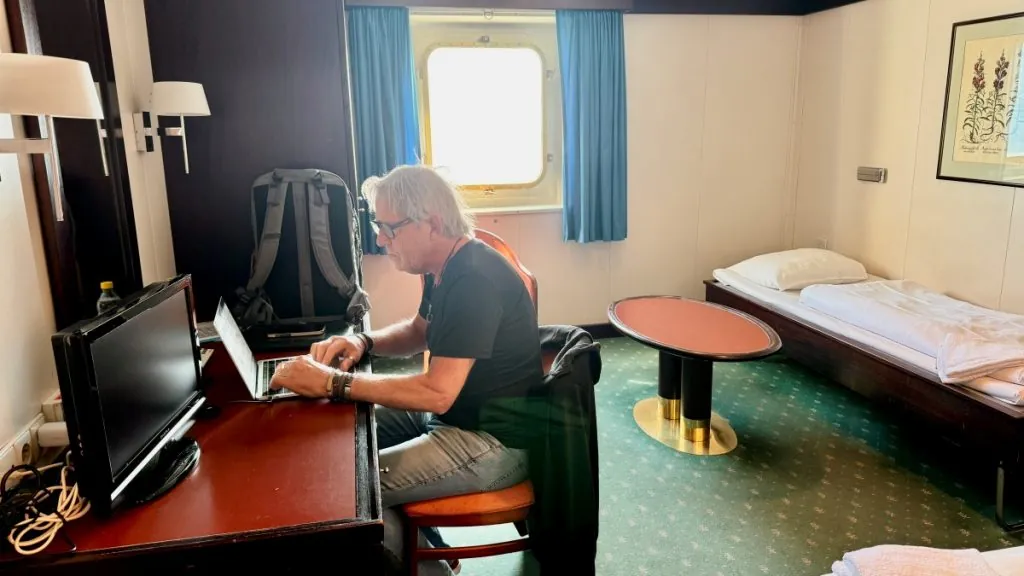
Local WiFi can also be interesting to use when it is offered (almost always at an extra cost) on flights, ferries or cruise ships. On aeroplanes, for security reasons, you have to set your phone to airplane mode, and then local WiFi, which is currently only offered by some airlines, is the only option.
On ships travelling in international waters, the mobile phone should usually also be set to airplane mode, otherwise there is a risk that the phone will connect to a maritime satellite connection, which can be extremely expensive.
Internet while travelling - how do you do it?
What are your experiences with the internet while travelling? How do you usually connect?









 English (UK)
  Svenska
Monnah says:
What great tips! We had a contract with unlimited surfing on the phone, but a couple of years ago it was changed to unlimited surfing in Sweden and 100 GB abroad. We've never even come close to that, but we haven't watched a lot of films or uploaded stuff either. In addition, there is a difference when you come to countries with special agreements and we have not gone there yet!
17 July 2025 - 8:32
Channal says:
Hi Helena! Surely it has become better with wifi abroad! Today there is no problem anywhere. Remember 10-15 years ago. Then it was not as smooth even if you stayed in a hotel with wifi.
KRAM to you! Anna
17 July 2025 - 11:40
Lena - gott för själen says:
We have a wifi router with mobile broadband from Telenor, where we also have the phones. It malfunctioned at the beginning of our trip to Germany this summer. When we finally got round to calling support, and rebooted it, took out SIM cards etc, it worked fine. But by then we had also moved. So we are not sure if it was a bad connection or if it was really the technology 🙂 But so incredibly good that it works at all!
Hug Lena
29 August 2025 - 7:38