


Writer: Helena Bergström
You can now save our destinations - the ones we write about - in a personalised map. Try it out! It's brand new and we'd love to hear your feedback.
 Tweet
Tweet Share
Share Share
Share Pin
Pin Share
Share Share
ShareTable of contents
Why save travel destinations on a map?
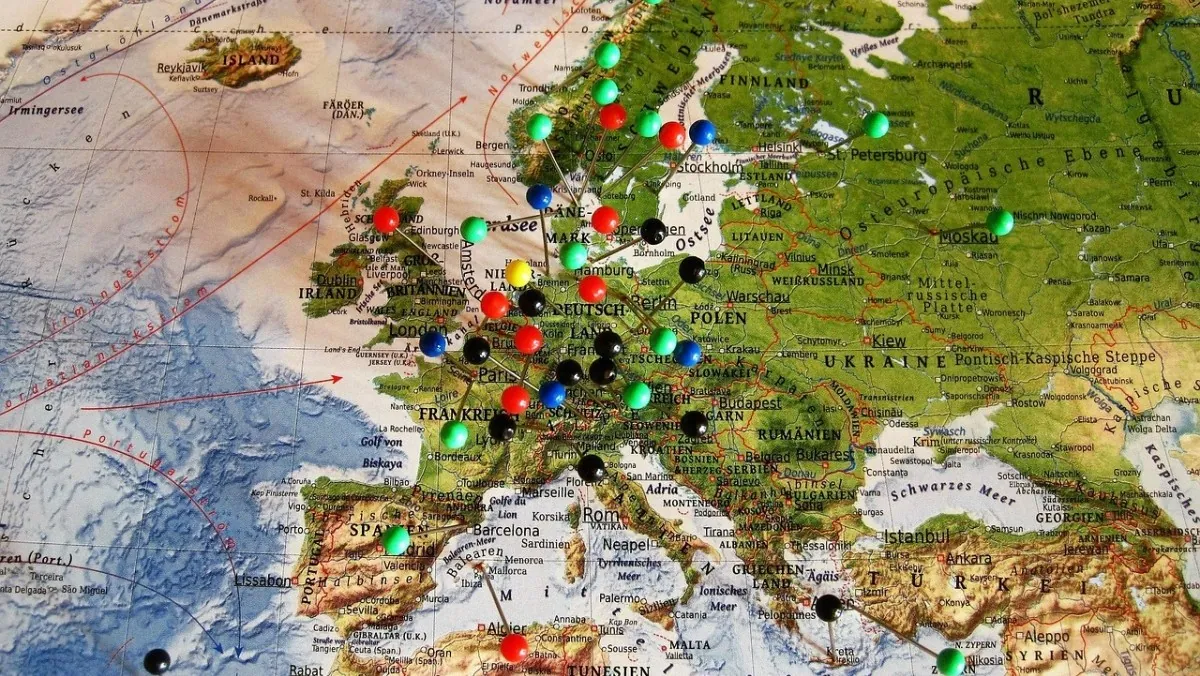
We often write about different destinations - in Sweden, Europe and the world - and we often get questions about whether you can find the destinations on a map. Now we have developed a feature that allows you to save all the destinations you read about on your own personalised map - perhaps for this summer's road trip!
The map is saved as your personalised map. You can try it out without logging in, but if you want to save it for the future, you will eventually need to log in. It goes without saying that completely free - The reason why you need to log in is that otherwise there is a risk that what you have saved will be lost, for example when you clear the cache on your computer. In any case, you can test without logging in!
Do this!
1. Open an article about a destination, for example Ardeche in France or Douz in Tunisia or Granhult church in Småland
2. add to your personalised map by clicking on ”Add to map”. Then tick the map, with the cross in the right-hand corner.
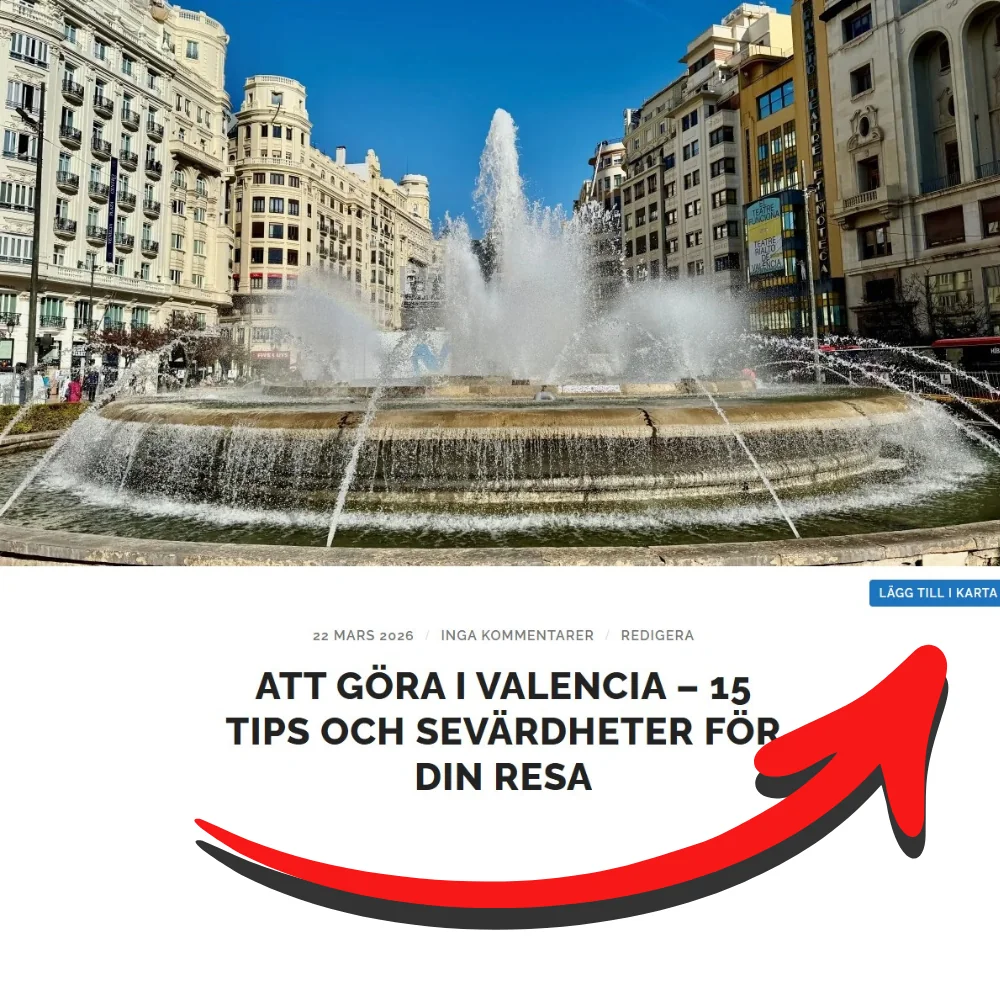
3. add another destination from a news report. For example, in the case of Palais Ideal in France or Tozeur in Tunisia or Teleborg Castle in Småland.
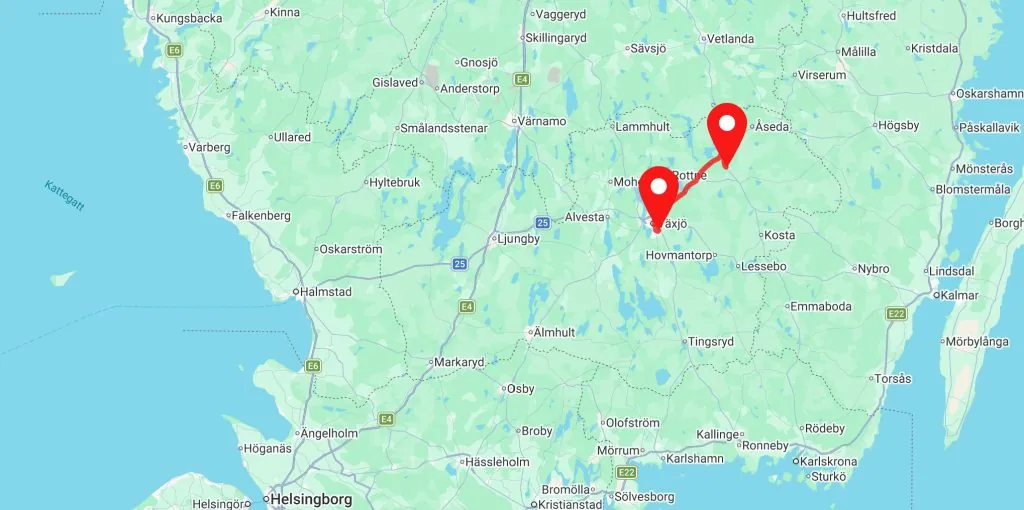
4. Go to ”My map” which you can find in the menu (on your mobile phone under the three lines in the right-hand corner) and open your map. Now you can see all your saved destinations.
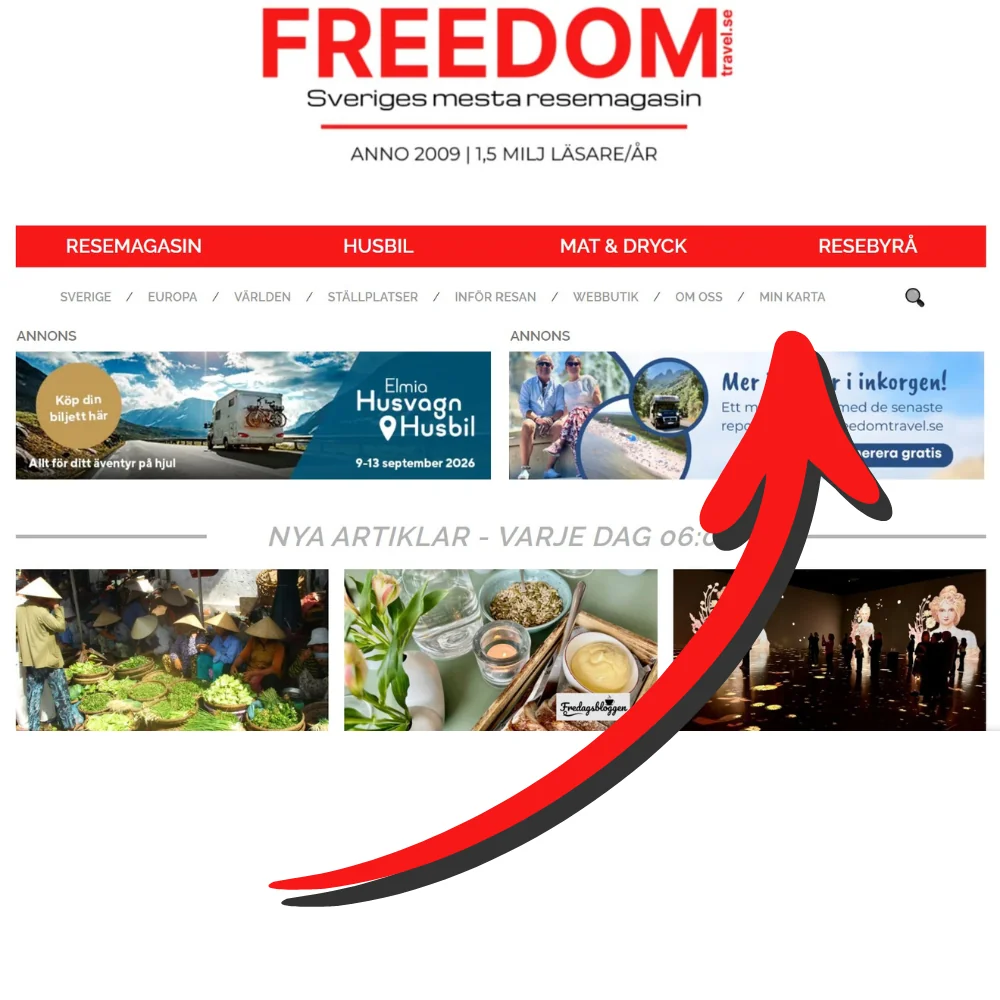
4. See your travel destinations on the map - and go back to the stories whenever you want! Now you can see your travel destinations on a map.
- Find your way back to reports: Click on the pin on the map
- Remove travel destinations: Right-click on the needle and select ”Remove”
- Add more travel destinations: Next time you read about a destination you want to include - click on ”Add to map”
- Find your way back to the map: You can go to ”My map” in the menu at any time
READ MORE: New design, better structure – we're updating the site!

Feel free to try it out!
The feature is brand new and there may certainly be some ”teething problems” or something that needs to be corrected, fine-tuned or developed. Feedback would be great!


 English (UK)
  Svenska
Ditte says:
What an exciting idea! Will try it at some point,
29 March 2026 - 12:50
bmlarsreseblogg says:
How clever! I know I sometimes read about places I think we should visit if we are passing by, but then they can be forgotten just as quickly...
29 March 2026 - 16:30
BP says:
Great idea, if you are technically gifted and make it work. I think I prefer the analogue map - hahaha:-)
29 March 2026 - 20:13
JoY says:
Have not been in and looked at your map. Usually use Google Maps where I put in interesting places that come up in the feeds. Several of your tips I have put in there, run the map with Jakob so he also has lots of dots on the map. It is important that he does not start deleting the dots by accident hahaha.
29 March 2026 - 22:16